It’s 4:47 p.m. on a Thursday. Your client expects the final deliverable by 9 a.m. Friday. Your stomach drops. You’ve got three sections left, the formatting is a mess, and your brain has somehow decided this is the perfect moment to reorganize your desk.
Sound familiar? Whether you’re a freelancer juggling back-to-back client deadlines, a remote worker drowning in Slack pings, a student staring down exam week, or an entrepreneur launching next week’s product, tight deadlines are a fact of US work culture. And the usual advice—”just focus,” “make a to-do list,” “push through”—falls apart the second the pressure spikes.
Here’s what actually works: time boxing. It’s a productivity time management system that gives you a clear start, a hard stop, and a realistic plan to ship work before the deadline—even when time is tight. No vague hustle tips. No 14-hour marathon sessions. Just structured, focused work blocks that turn “I’ll never finish this” into “Done. Sent. Breathing.”
Let’s build your system.
What Is Time Boxing? (And Why It Actually Works)
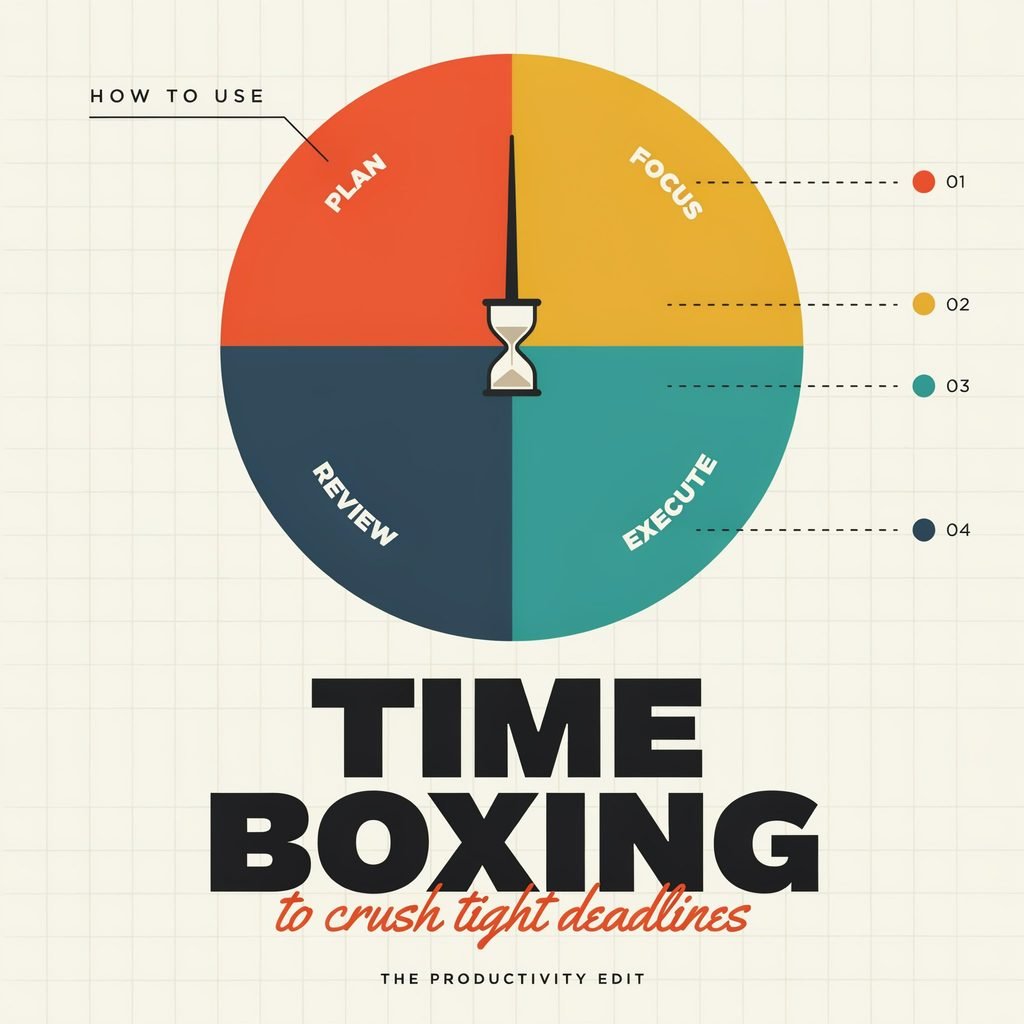
Time boxing is deceptively simple: you assign a fixed, maximum amount of time to a specific task, set a timer, work only on that task until the timer ends, and then stop. That’s it. No “one more paragraph.” No “just five more minutes.” The box closes.
This differs from time blocking, which reserves chunks of your calendar for broad categories of work (like “marketing” or “admin”). Time blocking organizes your day; time boxing controls individual tasks within that day. And unlike the Pomodoro Technique, which locks every sprint into a rigid 25-minute interval, time boxing lets you size each box to the task—15 minutes for a quick email draft, 90 minutes for a feature spec.
So why does the timeboxing technique work so well under pressure? Two psychological principles explain it:
- Parkinson’s Law states that “work expands to fill the time available for its completion.” Give yourself all day to write a report, and it takes all day. Give yourself 50 minutes, and your brain trims the fat, skips the perfectionism, and focuses on what matters. A fixed time limit for tasks creates artificial urgency that sharpens your thinking.
- Decision fatigue drops. When you know exactly what you’re working on and exactly when you’ll stop, you eliminate the endless “what should I do next?” loop that kills momentum.
Agile teams have leaned on agile timeboxing for years—Scrum sprints, standup meetings, and design sessions all use fixed time limits to keep teams moving. The same principle scales down beautifully to one person at a laptop trying to beat tight deadlines before dinner.
Time Boxing vs. Other Popular Time Management Methods
Not sure how time boxing stacks up against the methods you’ve already tried? Here’s a quick comparison:
- Time boxing vs. time blocking: Time blocking reserves calendar time blocks for categories of work (“2–4 p.m. = client work”). Time boxing assigns a specific, maximum duration to a specific task with a defined output (“2:00–2:50 p.m. = draft section 3, 600 words”). Blocking structures your day; boxing controls the task inside the block.
- Time boxing vs. Pomodoro Technique: Pomodoro gives you fixed 25-minute sprints with 5-minute breaks regardless of the task. Time boxing lets you choose flexible box lengths (15–120 minutes) based on what the task actually needs. For deep work requiring flow, a 60-minute box beats four fragmented Pomodoros.
- Time boxing vs. open-ended to-do lists: A list that says “finish report” has no time boundary, so you overthink, procrastinate, and let the task balloon. A time box says, “You have 75 minutes. Go.” The constraint forces action.
The bottom line: when you need to finish tasks on deadline, time boxing is especially powerful because it forces scope control, limits perfectionism, and keeps you moving forward.
Step-by-Step: How to Use Time Boxing to Crush Tight Deadlines
This is the playbook. Nine steps. One deadline. Let’s go.
Step 1: Do a 5-Minute Brain Dump
Grab a blank page or a notes app. Set a timer for five minutes. Write down every single task related to the deadline—big, small, obvious, nagging. Don’t organize. Just dump.
Example: “Finish slide deck,” “email client for final logo,” “edit section 2,” “create outline,” “proofread references,” “update project tracker.”
Get it all out of your head so you stop cycling through anxiety and start seeing the full picture.
Step 2: Pick Your Top 1–3 Deadline-Critical Tasks
Now filter ruthlessly. Ask: “If I only finish three things today, which ones make this deadline manageable?”
If you’re a fan of task prioritization frameworks, the Eisenhower Matrix works well here. Plot tasks by urgency and importance. The tasks that are both urgent and important go into today’s time boxes. Everything else gets delegated, deferred, or dropped.
This single step is how you stop procrastinating on low-value busywork while the real deadline bears down on you.
Step 3: Define “Done for This Box”
Vague tasks are the enemy of focus and deep work. Turn each task into a concrete output:
- ❌ “Work on report.”
- ✅ “Draft introduction and section 1—about 800 words, rough is fine.”
- ❌ “Do slides.”
- ✅ “Build slides 1 through 8 with placeholder images and bullet points.”
Specificity prevents scope creep. You’ll know the exact moment you’ve hit “done for this box,” which makes it dramatically easier to stop when the timer rings.
Step 4: Estimate Time Realistically (Then Add a Buffer)
Humans are optimistic planners. Psychologists call it the planning fallacy—we consistently underestimate how long tasks take, especially when we’re stressed.
The fix: make your best estimate, then multiply by 1.25 to 1.5.
- “Write 800 words” → estimate 45 minutes → schedule a 60-minute time box.
- “Edit 10 slides” → estimate 40 minutes → schedule a 50-minute time box.
These realistic time estimates protect you from the domino effect of one overrun wrecking the whole day.
Step 5: Schedule Time Boxes on Your Calendar Like Meetings
This is where time boxing becomes real. Open Google Calendar, Outlook, or whatever you use, and drop each time box in as a non-negotiable appointment. Color-code them. Add the task name in the title. Treat them like a meeting with your most demanding client: yourself.
Sample day for a Friday-morning deadline:
- 9:00–10:00 → Draft intro + section 1
- 10:15–11:00 → Create slides 1–5
- 1:00–1:45 → Edit section 2
- 3:00–3:30 → Final review + send
Notice the gaps? Those are buffers for bathroom breaks, coffee, and the unexpected Slack message. Schedule focused work blocks with breathing room, not back-to-back panic.
Step 6: Eliminate Distractions Before the Timer Starts
You can’t do distraction-free work if your phone is buzzing and 34 tabs are open. Before each box starts:
- Close every unrelated browser tab and app.
- Put your phone in another room or on Do Not Disturb.
- Use a website blocker (Freedom, Cold Turkey, or a simple browser extension) if social media is your kryptonite.
- Tell coworkers, housemates, or family: “I’m in a focus block until [time]. I’ll respond after.”
Context switching is a silent deadline killer. Research from the University of California, Irvine, shows it takes an average of 23 minutes to fully refocus after an interruption. Protect your blocks.
(If you struggle with digital distraction in general, check out our guide on building a distraction-free workspace—link placeholder.)
Step 7: Start the Timer and Work Only on That Task
Hit start. Use a visible countdown—your phone timer, a browser tab, or a dedicated focus app. The rule during the box is simple: you work on this task, or you sit and stare at the screen. No switching. No “quickly checking email.” No reorganizing files.
If you finish early, great. Use the remaining minutes to refine, polish, or roll into the next box ahead of schedule. But you don’t switch tasks mid-box.
Step 8: Stop When the Box Ends (Even If It’s Not Perfect)
This is the hardest step and the most important. When the timer rings, you stop. Why? Because extending one box steals time from every box after it, and perfectionism is how “almost done” becomes “missed deadline.”
If the task isn’t finished, ask two questions:
- Is it good enough to ship for this deadline? (Often, yes.)
- Does it genuinely need another time box? If so, schedule that box explicitly—don’t just keep grinding.
Learn to distinguish “good enough for the deadline” from “perfect in a parallel universe.” Your client, professor, or team needs done, not flawless.
Step 9: Quick Review and Adjust for the Next Box
After each box, take one to two minutes. Note:
- What got done?
- Was my time estimate accurate?
- What will I adjust for the next box?
This 60-second habit builds sharper estimation skills over time and turns time boxing into a true personal productivity system, not just a one-off trick.
Mini Case Study #1 – The Freelance Designer:
Maria, a freelance UX designer in Austin, gets a revision request at 3 p.m. Client needs it by 9 a.m. She brain-dumps seven tasks, narrows to three, and sets three boxes: 90 minutes for layout revisions, 60 minutes for color and typography tweaks, 30 minutes for final QA and export. She builds in 15-minute buffers. She’s done by 7:45 p.m. and sleeps. No all-nighter.
Mini Case Study #2 – The College Student:
Jake, a junior at Ohio State, has three assignments due in 48 hours. He time-boxes each: two 60-minute boxes for research-heavy essays, one 45-minute box for a problem set, and a 30-minute box for citations and submission formatting. He schedules them across two days with breaks. He submits all three with hours to spare.
Time Boxing Templates for Common US Work Scenarios
Copy these, adapt them, screenshot them. They’re ready to go.
Tight Client Deadline (Freelancer / Consultant)
- 2-hour box → Outline + full first draft
- 90-minute box → Revisions, polish, client-specific tweaks
- 30-minute box → Final QA, formatting, and send
Exam or Assignment Crunch (Student)
- 60-minute box → Chapter 1 notes + key terms
- 60-minute box → Chapter 2 notes + key terms
- 45-minute box → Practice questions / problem set
- 30-minute box → Review weak areas + flashcards
Product Launch or Internal Deadline (Corporate / Startup)
- 90-minute box → Feature spec or project brief draft
- 60-minute box → Stakeholder feedback incorporation
- 45-minute box → Final documentation + handoff notes
Drop these into your planning doc, adjust the durations to fit your reality, and start the timer.
Common Mistakes (and How to Fix Them)
Even a solid system falls apart if you skip the guardrails. Watch for these:
- Making time boxes too long. A three-hour box loses all urgency. You drift, you check your phone, you “take a quick break” that becomes 20 minutes. Fix: Start with 30–90 minute boxes. You can always chain two boxes together.
- Vague task definitions. “Work on project” isn’t boxable. You’ll spend the first 15 minutes just deciding where to start. Fix: Define a concrete output for every box.
- No buffer time. One interruption or slow Wi-Fi moment derails the entire schedule. Fix: Add 10–20% buffer to every estimate and leave gaps between boxes.
- Extending boxes constantly. “Just five more minutes” becomes 45. The whole system collapses. Fix: When the timer ends, stop. If more work is needed, schedule a new box. Don’t stretch.
- Multitasking inside a box. Answering emails while writing a report isn’t efficiency—it’s a focus tax. Fix: One task, one box. Protect it.
If you only remember three rules, remember these:
- Specific task + a clear “done” definition.
- Fixed time limit with a visible timer.
- Stop when the box ends. Reschedule if needed.
Tools and Apps to Make Time Boxing Easier
You don’t need a fancy stack to start. A calendar and a phone timer will carry you far. But if you want a little extra structure, these tools are popular with US professionals in 2025:
- Google Calendar / Microsoft Outlook – The simplest starting point. Drop time boxes in as events, set alerts, color-code by project.
- Notion – Great for pairing task lists with calendar views. Build a “Deadline Dashboard” with box durations right next to each task.
- ClickUp / Asana / Trello – Ideal for team deadlines and agile timeboxing. You can assign time estimates to tasks and track sprint progress.
- Motion / Sunsama / Reclaim – AI-assisted scheduling tools that auto-place time boxes around your existing meetings and protect focus blocks.
- Focus apps and simple timers – Forest, Focus Keeper, or your phone’s built-in countdown. Sometimes the least tech is the best tech.
The tool matters less than the habit. Pick one, set a box, and press start.
Conclusion: Turn Time Boxing Into Your Go-To Deadline System
Time boxing isn’t about grinding harder or working more hours. It’s about drawing clear boundaries around your attention so that the work you do is sharper, faster, and actually finished. In a US work culture that glorifies busyness, choosing a fixed start and a fixed stop is quietly radical—and wildly effective.
So here’s your challenge: pick the most urgent deadline on your plate right now. Choose two tasks. Give each one a time box with a specific output and a visible timer. Hit start.
The next time a tight deadline hits, don’t panic. Open your calendar, set a box, and start the timer. You’ll be amazed at how much “impossible” shrinks when you give it exactly 50 minutes and a clear finish line.
Now go set your first box. The timer’s waiting.