You’re Busy. But Are You Actually Getting Things Done?
You know the feeling. You stare at a to-do list that’s somehow longer now than it was yesterday. Your calendar looks like a game of Tetris gone wrong. You’ve been “productive” all day — answering emails, jumping on calls, putting out fires — but at 6 p.m., you realize you didn’t move the needle on the one thing that actually mattered.
Sound familiar? You’re not alone. According to a Harvard Business Review study, knowledge workers spend nearly 60% of their time managing work rather than doing it. The problem isn’t a lack of effort. It’s a lack of structure.
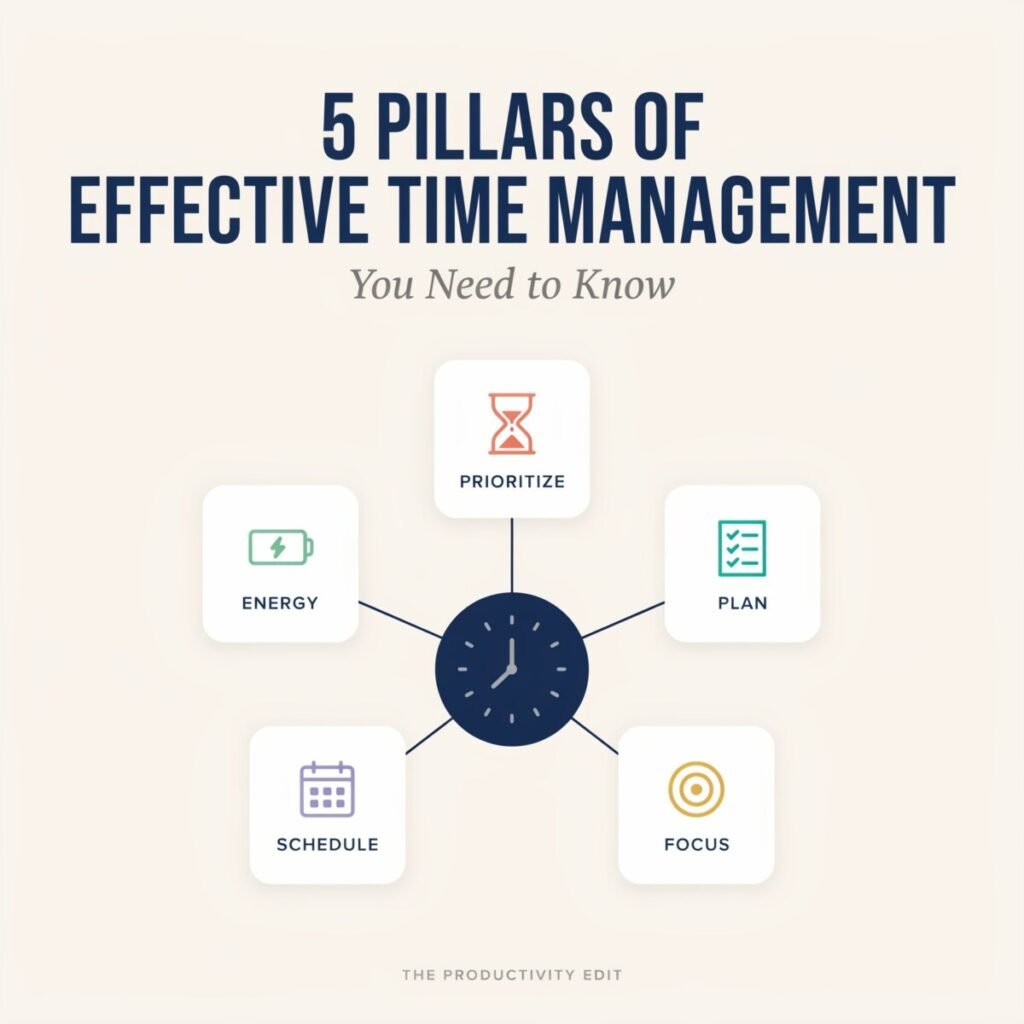
Effective time management isn’t about squeezing more hours into your day. It’s about building a reliable system around a few core principles — pillars that hold everything else up.
In this post, you’ll learn the five pillars of effective time management and walk away with actionable tactics, real examples, and tools you can start using today:
- Clarify Goals and Priorities
- Plan with Time-Blocking and Calendars
- Optimize Focus and Reduce Distractions
- Build Routines, Habits, and Energy Management
- Measure, Iterate, and Automate
Let’s dive in.
Pillar 1 — Clarify Goals and Priorities
“Being busy is not the same as being productive.”
Before you manage your time, you need to know what you’re managing it for. Without clear goals, every task feels equally urgent, and your to-do list becomes a graveyard of good intentions.
Why Clear Goals Are Your Decision Filter
Goals do more than give you direction — they act as a decision filter. When a new request lands in your inbox, a clear goal helps you ask: “Does this move me closer to what matters, or is it a detour?”
The most effective time management strategies start with goal setting that’s specific, measurable, and layered.
Use SMART Goals and Goal-Tiering
You’ve probably heard of SMART goals (Specific, Measurable, Achievable, Relevant, Time-bound). But the real magic happens when you tier them:
| Level | Example |
|---|---|
| Annual | Grow newsletter to 25,000 subscribers |
| Quarterly | Add 5,000 subscribers through lead magnets |
| Weekly | Publish 2 high-value blog posts + 1 lead magnet |
| Daily | Write 1,500 words before noon |
Each level feeds the next. Your daily tasks should trace directly back to your quarterly and annual goals. If they don’t, they probably shouldn’t be on your list.
Actionable Steps: The 10-Minute Weekly Priority Review
Every Sunday or Monday morning, spend 10 minutes doing this:
- Review your quarterly goal. What’s the next milestone?
- List the 3–5 tasks that will get you closest to that milestone this week.
- Kill or defer anything that doesn’t support those tasks.
- Assign each task to a specific day.
Then, each morning, write your “Top 3” daily priorities — the three things that, if completed, would make the day a success. Everything else is a bonus.
Quick Example: A Content Creator’s Weekly Mapping
Sarah, a freelance content creator, has a quarterly goal: land 3 new retainer clients through thought-leadership content.
Her weekly priority review looks like this:
- Monday: Publish LinkedIn article on content strategy trends
- Wednesday: Send 5 personalized outreach messages to ideal clients
- Friday: Record and post a short-form video sharing a case study
Her daily “Top 3” on Monday might be: (1) Finalize and publish article, (2) Engage with 10 comments on peers’ posts, (3) Outline Wednesday’s outreach list.
That’s it. Clear goals → clear priorities → clear actions. No ambiguity, no overwhelm.
Key Takeaway: Before you plan your time, clarify your direction. Use goal-tiering and a weekly priority review to make sure every task earns its place on your calendar.
Pillar 2 — Plan with Time-Blocking and Calendars
A to-do list tells you what to do. A calendar tells you when. And that distinction changes everything.
Calendar-First Planning vs. To-Do-First Planning
Most people start with a to-do list and hope they’ll “find time” to get through it. The problem? To-do lists have no constraints. They grow infinitely while your day stays stubbornly finite.
Calendar-first planning flips the script. You start with your available hours and assign every task a specific time block. This forces you to confront reality: you only have so many hours, and not everything fits.
How Time Blocking Works
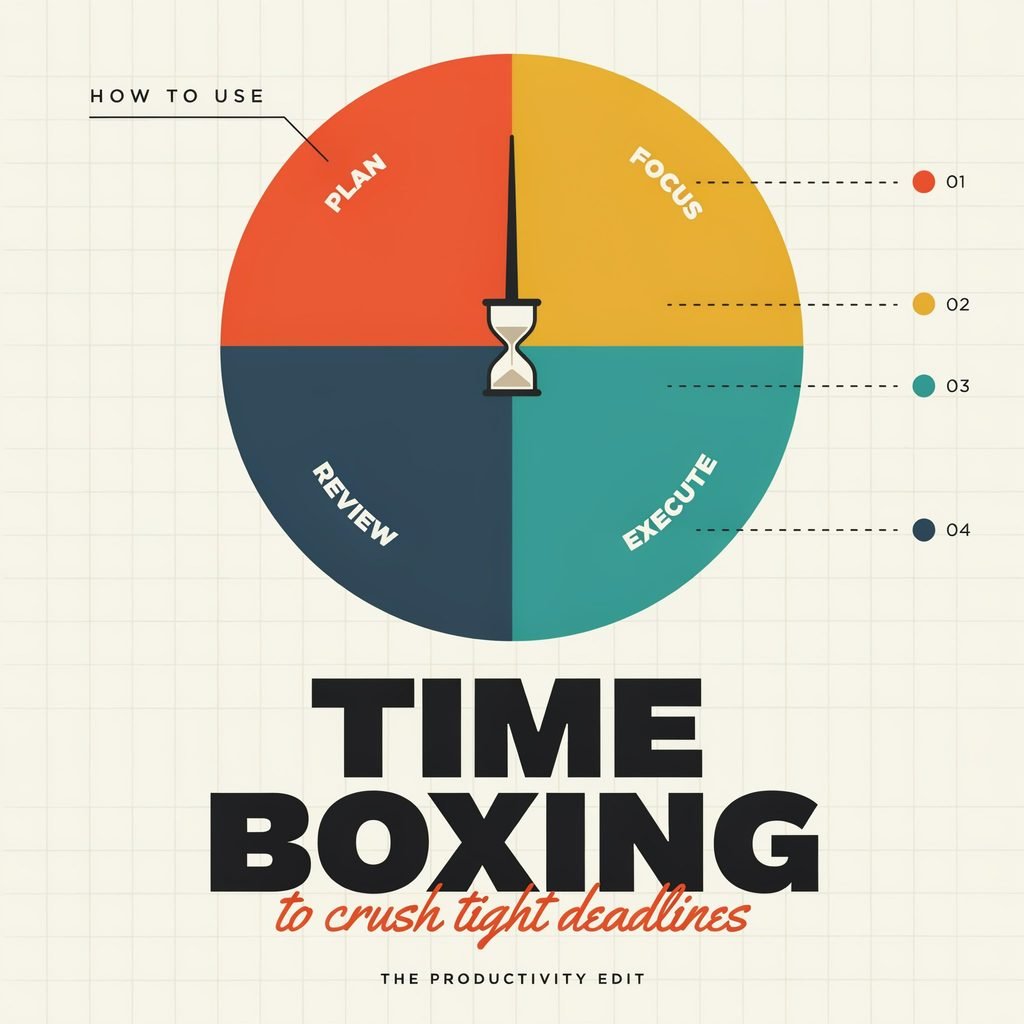
Time blocking is the practice of dividing your day into dedicated blocks, each assigned to a specific type of work. Instead of reacting to whatever comes up, you proactively decide how your time will be spent.
Here’s a sample weekly calendar for a 40-hour workweek:
| Time Block | Monday | Tuesday | Wednesday | Thursday | Friday |
|---|---|---|---|---|---|
| 8:00–10:00 | Deep work (writing) | Deep work (strategy) | Deep work (creation) | Deep work (writing) | Weekly review |
| 10:00–10:15 | Buffer/break | Buffer/break | Buffer/break | Buffer/break | Buffer/break |
| 10:15–12:00 | Client calls | Content editing | Client calls | Admin & email | Learning |
| 12:00–1:00 | Lunch | Lunch | Lunch | Lunch | Lunch |
| 1:00–2:30 | Meetings | Meetings | Deep work | Meetings | Planning next week |
| 2:30–2:45 | Buffer/break | Buffer/break | Buffer/break | Buffer/break | Buffer/break |
| 2:45–4:00 | Admin & email | Admin & email | Outreach | Admin & email | Wrap-up |
| 4:00–4:30 | Shutdown routine | Shutdown routine | Shutdown routine | Shutdown routine | Shutdown routine |
Notice a few things:
- Deep work gets the best hours (morning, for most people).
- Meetings and admin are batched together to protect focus time.
- Buffer blocks (15 minutes between major blocks) absorb overruns and give your brain a rest.
- A shutdown routine closes each day cleanly.
Tools to Make Time Blocking Stick
- Google Calendar — Free, reliable, and integrates with nearly everything. Color-code your blocks for visual clarity.
- Fantastical — A sleek calendar app (Mac/iOS) with natural language input. Type “Write blog post tomorrow 9am” and it’s done.
- Clockwise — Automatically optimizes your calendar, moving flexible meetings to open up focus time.
- Calendly — Let others book meetings only in the slots you’ve designated, so your deep work blocks stay sacred.
Common Pitfalls to Avoid
- Over-scheduling: Don’t fill every minute. Leave white space. You’re not a machine.
- Ignoring buffers: Meetings run long. Tasks take longer than expected. Without buffers, one overrun dominoes your entire day.
- Treating the calendar as a suggestion: If you don’t respect your own blocks, no one else will. When a “quick question” pops up during deep work, say: “I’m heads-down right now — can I get back to you at 2:30?”
Key Takeaway: Stop hoping you’ll “find time.” Start assigning it. Use time blocking and calendar management to give every priority a home in your week.
Pillar 3 — Optimize Focus and Reduce Distractions
You can have perfect goals and a beautiful calendar — but if you can’t focus, none of it matters.
Attention Is Your Most Limited Resource
Research from the University of California, Irvine, found that it takes an average of 23 minutes and 15 seconds to get back on track after an interruption. If you’re getting pinged every 10 minutes, you’re essentially never in a state of deep focus.
Deep work — a term coined by Cal Newport — is the ability to focus without distraction on cognitively demanding tasks. It’s where your best output lives. And in an age of constant notifications, it’s becoming a superpower.
Focus Tactics That Actually Work
1. Single-Tasking
Multitasking is a myth. What your brain actually does is task-switch, and every switch costs cognitive energy. Commit to one task per time block. Close every tab, app, and window that isn’t related to it.
2. The Pomodoro Technique
Work in focused sprints — typically 25 minutes of work followed by a 5-minute break — then take a longer break after four cycles. This works because it creates urgency and makes big tasks feel manageable. If 25 minutes feels too short, try 50/10 or 90/20 cycles. Experiment and find your rhythm.
3. Notification Hygiene
Audit every notification on your phone and computer. For each one, ask: “Does this require my immediate attention?” If not, turn it off. Keep only the essentials — calls from family, messages from your boss. Everything else can wait.
4. Do-Not-Disturb Windows
Set specific DND periods on your devices that align with your deep work blocks. On Slack, set your status to “Focus Mode 🎯” so colleagues know not to expect an instant reply.
5. Environmental Design
Your workspace should make focus the default, not the exception.
- Use a minimalist browser setup — one window, one tab when possible.
- Keep your phone in another room during deep work.
- Use noise-canceling headphones or a focus playlist (lo-fi, ambient, or white noise).
6. The Two-Minute Rule
If an interruption comes up and the task takes less than two minutes, handle it immediately rather than letting it clutter your mind. If it takes longer, capture it in your task manager and return to your focus block.
Quick Case Study: Batching Feedback Sessions
Jake, a freelance web designer, used to respond to client feedback emails as they came in — sometimes 10–15 per day. Each one pulled him out of design work, and context-switching was killing his output.
His fix? He created two daily feedback windows (11:00 a.m. and 3:30 p.m.) and told clients to expect replies during those times. He batched all feedback into those windows, responded in bulk, and reclaimed an estimated 90 minutes per day of uninterrupted design time.
Key Takeaway: Protect your focus like it’s your most valuable asset — because it is. Use single-tasking, Pomodoro cycles, notification hygiene, and environmental design to reduce distractions and do your best work.
Pillar 4 — Build Routines, Habits, and Energy Management
Systems beat willpower. Every time.
Routines vs. To-Dos: Why the Difference Matters
A to-do list is reactive — it tells you what needs to get done today. A routine is proactive — it’s a pre-built sequence of actions that runs on autopilot, reducing the number of decisions you have to make.
Every decision you make — what to eat, when to check email, what to work on first — drains a finite pool of mental energy (a concept called decision fatigue). Routines eliminate those low-value decisions so you can spend your brainpower on what actually matters.
Three Essential Daily Routines
🌅 Morning Launch Routine (15–30 min)
Set the tone before the world starts demanding things from you.
- Hydrate (water before coffee)
- Review your Top 3 priorities for the day
- Spend 5 minutes on a quick journal or gratitude prompt
- Start your first deep work block — before opening email or social media
☀️ Midday Reset (10–15 min)
Avoid the post-lunch slump with a deliberate reset.
- Step away from your desk (walk, stretch, or go outside)
- Hydrate and eat something that won’t crash your energy
- Glance at your afternoon calendar to mentally prepare
🌙 Evening Shutdown Routine (10–15 min)
Close the day with intention so your brain can actually rest.
- Review what you accomplished (celebrate small wins)
- Move unfinished tasks to tomorrow or next week
- Write tomorrow’s Top 3 priorities
- Close all work-related apps and tabs
- Say a shutdown phrase out loud (e.g., “Shutdown complete”) — it sounds silly, but it signals your brain that work is over
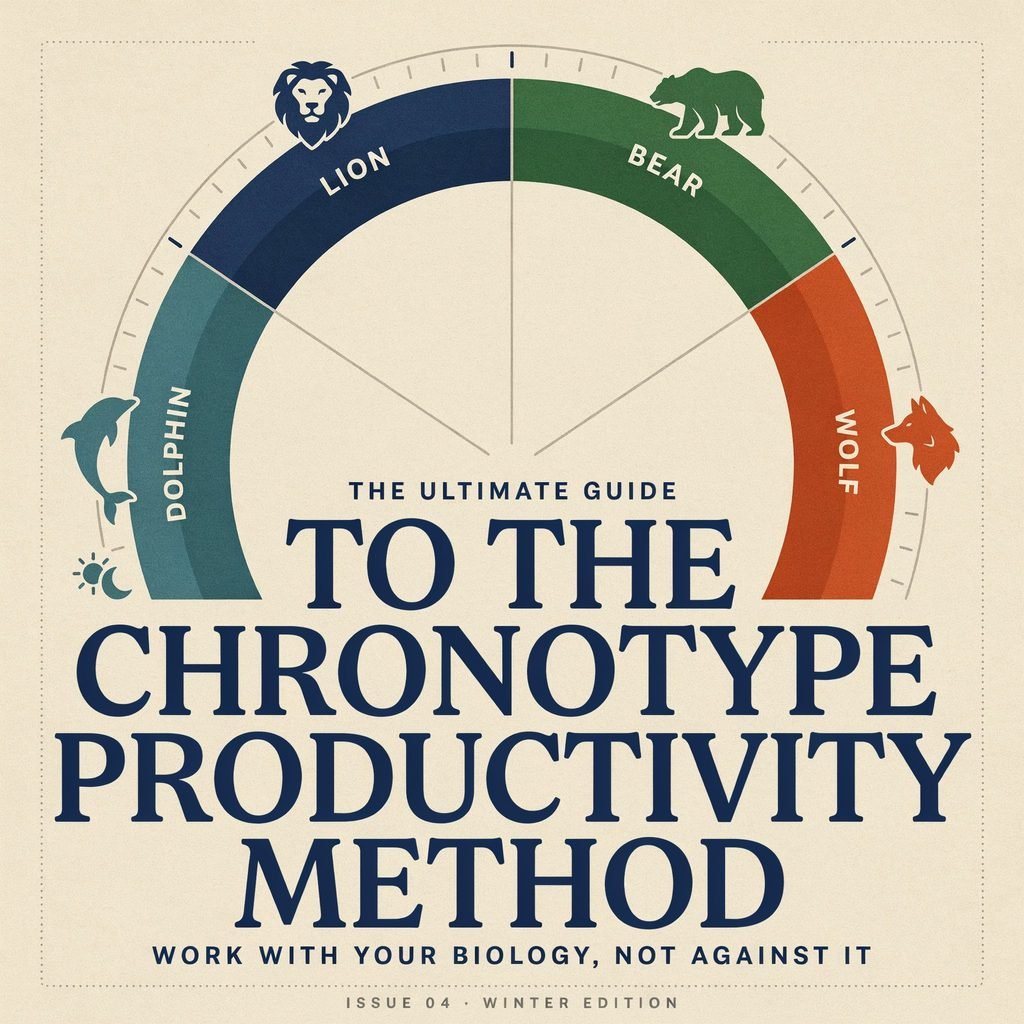
Energy Management: Work With Your Biology, Not Against It
Time management is really energy management. Not all hours are created equal.
- Identify your peak hours. Are you sharpest at 7 a.m. or 10 p.m.? Schedule deep work during your peak and admin/meetings during your low-energy windows.
- Take micro-breaks. Every 60–90 minutes, step away for 3–5 minutes. Your brain consolidates information during rest, not during grinding.
- Protect sleep and nutrition. No productivity hack compensates for chronic sleep deprivation or a diet of energy drinks and vending machine snacks. Aim for 7–8 hours of sleep and real meals.
Habit Stacking: Attach New Habits to Existing Ones
Habit stacking is a technique (popularized by James Clear in Atomic Habits) where you attach a new habit to an existing one. The formula is simple:
“After I [CURRENT HABIT], I will [NEW HABIT].”
Examples:
- After I pour my morning coffee, I will review my Top 3 priorities.
- After I finish my last meeting, I will do my evening shutdown routine.
- After I close my laptop, I will write three things I’m grateful for.
This works because you’re piggybacking on neural pathways that already exist, instead of trying to build new ones from scratch. And despite the popular myth, habits don’t take exactly 21 days to form — research from University College London suggests it’s closer to 66 days on average, with a wide range. The key is consistency, not speed.
Key Takeaway: Build routines that run on autopilot. Manage your energy, not just your time. Stack new habits onto existing ones until they become second nature.
Pillar 5 — Measure, Iterate, and Automate
You can’t improve what you don’t measure. And you can’t scale what you do manually forever.
The Power of a Weekly Time Audit
A time audit is exactly what it sounds like: tracking where your time actually goes and comparing it to where you planned for it to go. You might think you spent 20 hours on deep work this week. A time audit might reveal it was closer to 8.
Here’s how to run one:
- Track your time for one full week using a tool (see below) or a simple spreadsheet.
- Categorize your hours: deep work, meetings, admin, email, social media, learning, personal.
- Compare actual hours to your planned calendar blocks.
- Identify the top 2–3 time leaks (e.g., “I spent 6 hours on email — I planned for 3”).
- Pick one fix for next week (e.g., “I’ll batch email into two 30-minute windows”).
Do this for just 15–30 minutes every Friday, and within a month, you’ll have a dramatically clearer picture of how you spend your time.
Metrics Worth Tracking
- Focused hours per week — How many hours did you spend in uninterrupted deep work?
- Meeting hours — Are meetings eating your calendar? Aim to keep them under 30% of your workweek.
- Task completion rate — Of your Top 3 daily priorities, how many did you actually finish?
- Context switches — How many times did you jump between tasks or apps per day?
Automate the Repetitive Stuff
Once you’ve identified your biggest time drains, look for tasks you can automate or templatize:
- Email filters and labels — Automatically sort incoming emails by sender, project, or priority so you’re not triaging manually.
- Template replies — If you answer the same questions repeatedly, create canned responses.
- Scheduling automation — Use Calendly or Cal.com so people book their own slots without the back-and-forth.
- Recurring tasks — Any task you do weekly or monthly should be a recurring item in your task manager, not something you have to remember.
- Workflow automation — Tools like Zapier and IFTTT can connect your apps and trigger actions automatically (e.g., “When I star an email, create a task in Todoist”).
Tools to Measure and Automate
- Toggl Track — Simple time tracking. Start a timer when you begin a task, stop it when you’re done. Review weekly reports to see where your hours went.
- RescueTime — Runs in the background and automatically categorizes your computer activity. Gives you a weekly “productivity score.”
- Notion — Build custom dashboards, habit trackers, and project templates. Use it as your productivity command center.
- Zapier / IFTTT — Connect your tools and automate repetitive workflows without writing a single line of code.
Run a Monthly “Time Improvement Sprint”
Once a month, dedicate 30 minutes to a time improvement sprint:
- Pick one metric you want to improve (e.g., focused hours).
- Test two changes for the next 30 days (e.g., “I’ll add a second deep work block on Tuesdays and Thursdays” and “I’ll turn off Slack notifications during focus blocks”).
- Review results at the end of the month. Keep what worked. Discard what didn’t. Try something new.
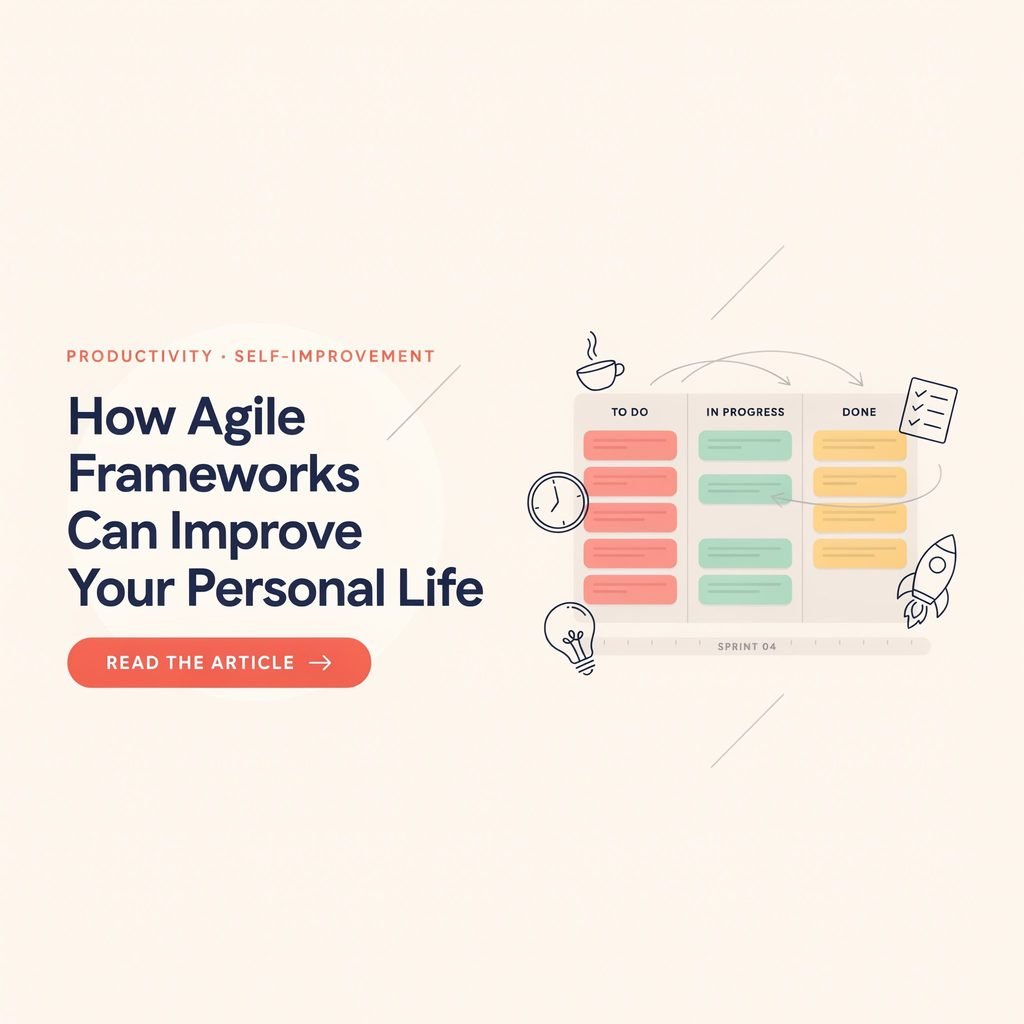
This iterative approach — borrowed from agile methodology — keeps your time management system evolving instead of stagnating.
Key Takeaway: Track your time, find the leaks, plug them with better habits or automation. Then measure again. Productivity is a loop, not a destination.
Common Mistakes and How to Avoid Them
Even with the right pillars, it’s easy to trip up. Here are the most common pitfalls and quick fixes:
- ❌ Trying too many systems at once. You don’t need five productivity apps and a bullet journal. Start with one framework, master it, then layer in tools.
- ❌ Ignoring rest. Burning out isn’t a badge of honor. Schedule downtime as deliberately as you schedule meetings.
- ❌ Not protecting deep work. If you don’t guard your focus blocks, someone else will fill them. Use DND, communicate boundaries, and say no.
- ❌ Perfectionism disguised as productivity. Spending two hours color-coding your calendar isn’t productive — it’s procrastination in a nice outfit. Aim for “good enough” and iterate.
- ❌ Never reviewing your system. A system you never revisit becomes a system that no longer fits. Run that weekly review and monthly sprint.
Your 7-Day Action Plan
Ready to put the five pillars into practice? Follow this day-by-day checklist:
| Day | Action | Outcome |
|---|---|---|
| Day 1 | Write your quarterly goal and break it into this week’s top 3–5 tasks | Clear priorities for the week |
| Day 2 | Set up your calendar with time blocks for deep work, meetings, admin, and buffers | A structured weekly template |
| Day 3 | Audit your notifications. Turn off everything non-essential. Set DND windows | Fewer distractions during focus time |
| Day 4 | Create your morning launch and evening shutdown routines. Write them down | Two new daily habits launched |
| Day 5 | Identify 2 tasks you can automate or templatize. Set up one automation | Reclaimed time from repetitive work |
| Day 6 | Track your time for the full day using Toggl or a spreadsheet | Baseline data for your first time audit |
| Day 7 | Run a 15-minute weekly review: What worked? What didn’t? Plan next week’s Top 3 | A feedback loop started |
By the end of this week, you’ll have all five pillars in place — not perfectly, but functionally. And that’s all you need to start seeing results.
Less Stress. More Output. Better Days.
Effective time management isn’t about doing more — it’s about doing what matters, with intention and clarity. When you build your days around these five pillars — clear priorities, calendar-based planning, deep focus, energy-aligned routines, and continuous improvement — you stop surviving your schedule and start designing it.
The result? Less overwhelm, more meaningful output, and the confidence that you’re spending your time on what truly matters.
👉 Want to make this stick? Download our free printable Time-Blocking Template and Weekly Priority Planner — plus get a weekly productivity checklist delivered to your inbox every Monday. [Sign up here] or drop a comment below with your biggest time management challenge. We read every one.