We’ve all been there: you start your workday with the best intentions, a hot cup of coffee, and a massive to-do list. But by 3:00 PM, you’re drowning in unread emails, your meetings have run over, and your most important project hasn’t even been touched. If this sounds familiar, it’s not a lack of effort—it’s a lack of structure. Enter time blocking.
Time blocking is a powerful time management strategy that can completely transform how you approach your day. Instead of reacting to whatever pops up, you proactively schedule your day, giving every task a dedicated window of time. In this guide, we’ll walk you through everything you need to know about time blocking, why it’s a game-changer for productivity, and how to build an effective daily routine that actually works. Whether you are a remote worker, an entrepreneur, a student, or just a busy adult trying to juggle it all, this beginner-friendly guide will help you master your time.
What Is Time Blocking?
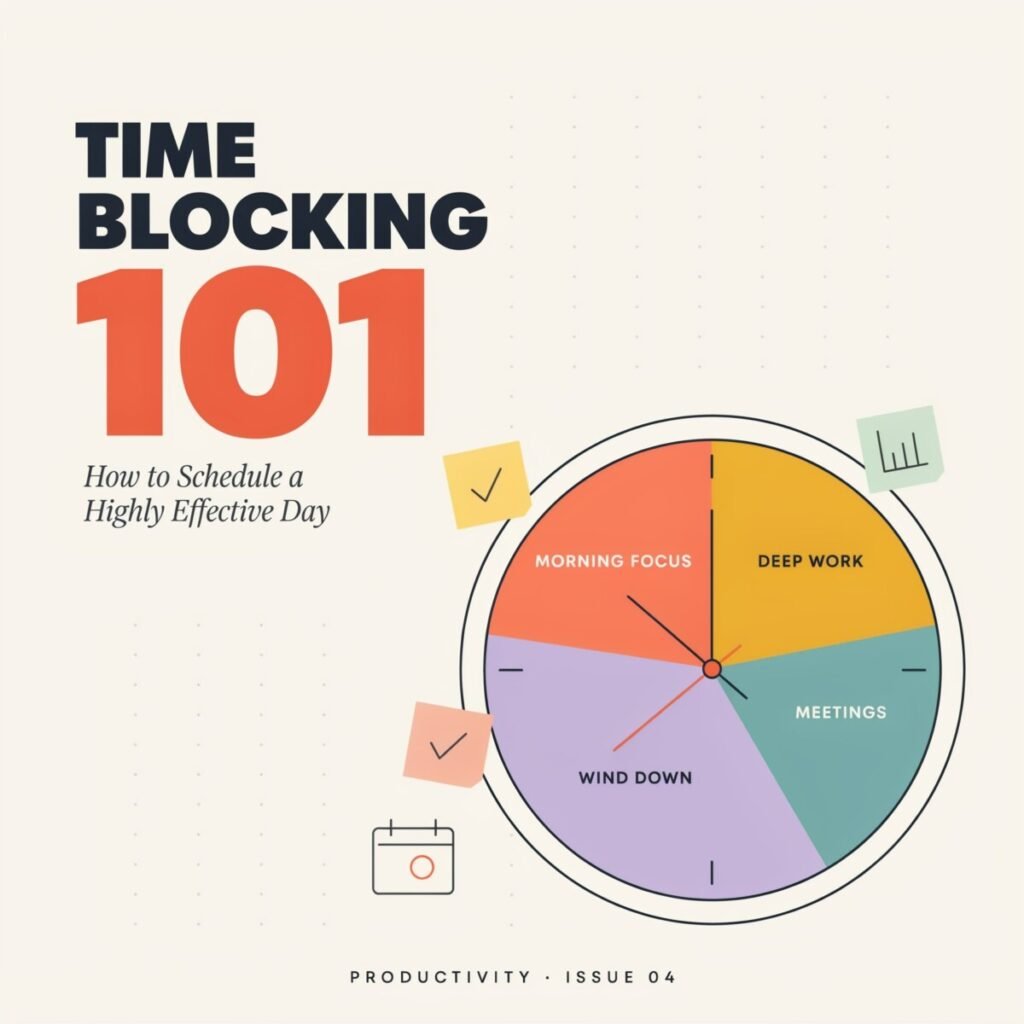
At its core, time blocking is the practice of dividing your day into distinct blocks of time. Each block is dedicated to accomplishing a specific task or group of tasks, and only those tasks. It sounds simple, but this method shifts your focus from what you need to do to when you are going to do it.
Think of the traditional to-do list. A to-do list is essentially a never-ending catalog of tasks. While helpful for remembering what needs to be done, it lacks context. It doesn’t tell you how long a task will take, nor does it force you to prioritize. You might spend an hour answering low-priority emails while a major project deadline creeps closer.
Time blocking, on the other hand, forces you to schedule your day like a series of appointments. Just as you wouldn’t schedule a doctor’s appointment and a team meeting for the exact same time, you don’t schedule “deep work” and “replying to emails” in the same block. Calendar blocking takes your to-do list and gives it a physical space on your daily planner or digital calendar.
There are also variations of the time blocking method. For instance, task batching involves grouping similar, smaller tasks (like checking emails, making phone calls, or running errands) into a single block. Day theming dedicates entire days to one specific area of your business or life (like “Marketing Mondays” or “Finance Fridays”). But regardless of the specific variation, the core principle remains the same: you are taking control of your time by assigning it a specific purpose.
Why Time Blocking Works
Why has this method become such a staple among top performers, CEOs, and productivity experts? Because it aligns perfectly with how our brains actually work. Here is why learning how to time block your day can drastically improve productivity.
It Eliminates the Paradox of Choice
When you have a blank schedule and a long to-do list, your brain wastes energy deciding what to do next. This decision fatigue often leads to procrastination or picking the easiest, least important task just to feel a sense of accomplishment. By planning your day in advance, you eliminate this friction. When 10:00 AM rolls around, you don’t have to think; you just execute the block you planned.
It Encourages Deep Work and Focus Blocks
Cal Newport, author of Deep Work, argues that the ability to focus without distraction on a cognitively demanding task is becoming increasingly rare—and increasingly valuable. Time blocking allows you to carve out “focus blocks” where you shut off notifications, close extra browser tabs, and dive into complex work. By protecting this time, you reduce distractions and produce higher-quality work in less time.
It Creates Realistic Time Awareness
We are notoriously bad at estimating how long things take—a cognitive bias known as the planning fallacy. We assume writing a report will take an hour, only to find ourselves still working on it three hours later. When you use a time blocking schedule, you are forced to assign time limits to your tasks. Over time, this trains your brain to better understand how long tasks actually take, leading to better time management and more accurate workday planning.
It Helps You Prioritize Tasks Effectively
When you only have a finite number of hours in the day, you can’t put everything on your calendar. Time blocking forces you to look at your priorities and make tough choices. If a task doesn’t fit into your daily planning, it either needs to be delegated, delayed, or deleted. This ensures that your most critical work gets the attention it deserves.
How to Time Block Your Day Step by Step
Ready to take control of your schedule? Here is a practical, step-by-step guide on how to implement a time blocking routine.
Step 1: List Your Priorities and Brain Dump
Before you can schedule your day, you need to know what needs to get done. Start with a “brain dump.” Write down every single task, project, chore, and meeting that is currently on your plate. Don’t worry about order yet; just get it out of your head and onto paper. Once everything is listed, review it and prioritize tasks. Highlight the one to three “big rocks”—the absolute most important tasks that will move the needle for your career, studies, or personal life.
Step 2: Group Tasks and Use Task Batching
Look at your remaining tasks. Are there similar, smaller administrative tasks that don’t require intense focus? Group them together. This is where task batching comes in. Instead of checking your email every 15 minutes throughout the day, batch all your email management, Slack replies, and quick phone calls into one or two specific blocks. This context-switching reduction is one of the best productivity tips you can implement.
Step 3: Estimate Time and Assign Blocks
Now, look at your calendar. How much time do you actually have today after accounting for existing meetings and personal commitments? Start assigning your tasks to specific time blocks. Be realistic. If you think writing a blog post will take two hours, give it a two-hour block. Remember to factor in your natural energy levels. If you are a morning person, schedule your most demanding deep work blocks early in the day. Save lighter, administrative batching tasks for your afternoon slump.
Step 4: Add Breaks and Buffer Time
This step is critical and often overlooked. Do not schedule every single minute of your day back-to-back. You need buffer time to transition between tasks, grab a glass of water, or deal with unexpected interruptions. Furthermore, schedule actual breaks. Step away from your desk, go for a walk, or stretch. Scheduling breaks prevents burnout and helps you manage your time effectively over the long haul.
Step 5: Review and Adjust Daily
Your first time blocking schedule won’t be perfect, and that’s okay. At the end of each day, spend 10 minutes reviewing what worked and what didn’t. Did a task take longer than expected? Did an urgent issue derail your afternoon? Adjust your plan for the next day accordingly. Daily planning is an iterative process; the goal is continuous improvement, not immediate perfection.
A Sample Time Blocking Schedule
To give you a clear idea of what this looks like in practice, here is a realistic time blocking schedule for a typical US professional or remote worker. This schedule balances deep work, administrative tasks, meetings, and personal well-being.
Morning: Deep Work and High Energy
- 7:00 AM – 8:00 AM: Morning Routine. Wake up, exercise, meditate, and eat a healthy breakfast. Avoid checking your phone or email.
- 8:00 AM – 8:30 AM: Daily Planning & Triage. Review your time blocking schedule for the day. Check emails briefly to ensure there are no absolute emergencies, but do not reply to non-urgent messages.
- 8:30 AM – 10:30 AM: Focus Block 1 (Deep Work). This is your prime time. Tackle your most difficult, cognitively demanding task. Put your phone in another room, close your inbox, and do not allow interruptions.
- 10:30 AM – 10:45 AM: Break. Stand up, stretch, grab a coffee, and rest your eyes.
Mid-Day: Meetings and Collaboration
- 10:45 AM – 12:00 PM: Focus Block 2 (Project Work). Continue working on your major project or tackle the second most important task on your list.
- 12:00 PM – 1:00 PM: Lunch & Disconnect. Step away from your workspace. Eat a proper lunch, go for a short walk, and let your brain recharge.
- 1:00 PM – 2:30 PM: Meetings and Calls. The post-lunch energy dip is the perfect time for collaborative work. Schedule your Zoom calls, team check-ins, and client meetings here.
Afternoon: Batching and Wrap-Up
- 2:30 PM – 3:30 PM: Task Batching (Admin & Communication). Open your inbox. Reply to emails, respond to Slack messages, approve documents, and handle quick administrative duties.
- 3:30 PM – 4:30 PM: Focus Block 3 (Wrap-up & Tomorrow’s Planning). Finish any lingering tasks. Most importantly, spend the last 15 minutes doing a brain dump and building your time blocking schedule for tomorrow.
- 4:30 PM – 5:00 PM: Buffer Time. Use this time to handle unexpected issues that popped up during the day, or simply log off early if everything is done.
Evening: Rest and Recharge
- 5:00 PM Onward: Personal Time. Close your laptop. Spend time with family, pursue hobbies, cook dinner, and relax. An effective daily routine requires strict boundaries between work and personal life to prevent burnout.
Best Practices for an Effective Time Blocking Routine
To ensure your new productivity routine actually sticks, keep these best practices in mind as you learn how to schedule your day.
Start Small and Build Up
If you are used to a chaotic, reactive workflow, trying to time block every 15-minute increment of your day will feel suffocating. Start by blocking out just three to five major chunks of your day (e.g., Morning Deep Work, Afternoon Admin, Evening Prep). Once you get comfortable with those, you can break them down into more granular focus blocks.
Protect Your Deep Work Time Fiercely
Your focus blocks are sacred. Communicate your schedule to your team or family. If you work in an office, put on noise-canceling headphones. If you work remotely, set your Slack status to “Focusing” or “Do Not Disturb.” Treat your deep work blocks with the same respect you would give to a meeting with your CEO.
Color-Code Your Calendar
Visual cues are incredibly helpful for calendar blocking. Assign a specific color to different types of tasks. For example, use red for deep work, blue for meetings, green for personal time, and yellow for administrative task batching. When you look at your week, you should be able to instantly see how your time is being allocated.
Leave Space for the Unexpected
No matter how well you plan, life happens. A client will call with an emergency, your internet will go down, or a task will take twice as long as expected. Build “overflow blocks” or generous buffer times into your afternoon. If you don’t use the buffer time, consider it a bonus break or an opportunity to get ahead on tomorrow’s work.
Track Your Time to Improve Estimates
For the first few weeks, use a simple time tracker alongside your time blocking schedule. Seeing the actual data of how long tasks take versus how long you thought they would take is invaluable. This feedback loop will drastically improve your future daily planning and help you manage your time effectively.
Common Time Blocking Mistakes to Avoid
Even with the best intentions, it’s easy to fall into traps that can derail your new time management system. Watch out for these common pitfalls:
Mistake 1: Overpacking Your Schedule
The biggest mistake beginners make is treating their calendar like a Tetris board, trying to fit as many tasks as physically possible into an eight-hour window. This leaves zero room for error. When one task runs over, it creates a domino effect that ruins the rest of your day. Always under-promise and over-deliver on your own schedule. Leave white space.
Mistake 2: Ignoring Your Biological Prime Time
Not all hours are created equal. If you are a night owl, forcing yourself to do complex analytical deep work at 7:00 AM is a recipe for frustration. Pay attention to your natural energy levels throughout the day and schedule your most demanding tasks during your peak cognitive windows.
Mistake 3: Making Blocks Too Rigid
Time blocking is a framework for productivity, not a straitjacket. If you are in a state of flow during a focus block and it runs 20 minutes over, don’t abruptly stop just because the calendar told you to. Conversely, if you finish a task early, move on to the next block. Be flexible and adapt to the reality of the day.
Mistake 4: Forgetting to Review and Adjust
If you create a schedule on Monday and never look at it again until Friday, you aren’t time blocking; you’re just making a pretty calendar. The magic of the time blocking method lies in the daily review. Taking 10 minutes each evening to assess your progress and adjust tomorrow’s blocks is what turns this from a simple exercise into a lifelong productivity routine.
Time Blocking Tools and Apps
While you can absolutely time block using a simple paper planner and a pen, leveraging digital tools can make the process much smoother, especially if you have a dynamic schedule. Here are some of the best tools to help you manage your time effectively:
- Google Calendar / Outlook Calendar: These are the gold standards for calendar blocking. They are free, highly customizable, integrate with almost everything, and allow for easy color-coding. You can drag and drop blocks when things change, making it easy to adjust your workday planning on the fly.
- Notion: For those who love customization, Notion is a powerhouse. You can build a highly personalized time blocking dashboard that integrates your daily schedule, task lists, project databases, and daily journal all in one place.
- Todoist or TickTick: These are robust task management apps that integrate seamlessly with your digital calendar. You can list your tasks, prioritize them, and then drag them directly into your Google Calendar to create your time blocking schedule. This bridges the gap between a traditional to-do list and a time-blocked calendar.
- Motion or Reclaim.ai: If you want to take your time management to the next level, look into AI-powered scheduling tools. These apps analyze your tasks, priorities, and calendar, and automatically build a time blocking schedule for you. If a meeting runs late, the AI automatically reshuffles your focus blocks to keep you on track.
- Sunsama or Akiflow: These are premium daily planning apps specifically designed for time blocking and time tracking. They force you to limit the number of hours you schedule per day, preventing the common mistake of overpacking your schedule.
Conclusion
Mastering your schedule doesn’t happen overnight, but the time blocking method is one of the most reliable ways to regain control of your time, reduce distractions, and improve productivity. By moving away from an endless to-do list and embracing a structured time blocking schedule, you tell your brain exactly what to focus on and when.
You will inevitably have days where your schedule falls apart. An urgent email will derail your morning, or a meeting will eat up your deep work time. When that happens, don’t throw the whole system out the window. Take a breath, utilize your buffer time, and simply adjust your blocks. The goal is not to be a perfect robot, but to manage your time effectively so you can do your best work and still have a life outside of it.
Your Call to Action:
Don’t just read about it—experience the difference. Tonight, take 15 minutes to map out a basic time blocking schedule for tomorrow. Identify your top three priorities, assign them to specific focus blocks, and commit to following the plan. Try this for just one week, and watch how your productivity, focus, and work-life balance transform. What will you accomplish when you finally take control of your time? Start time blocking today!
Frequently Asked Questions (FAQ)
Q: How is time blocking different from time boxing?
A: While similar, time blocking is about dedicating specific blocks of time to certain tasks or categories of work. Time boxing, on the other hand, is about setting a strict, immovable time limit for a specific task. Once the time box is up, you stop working on that task, regardless of whether it is finished. Both are great productivity tips, and they can be used together!
Q: What if my job is highly unpredictable and I can’t schedule my day?
A: Even in reactive roles (like IT support, healthcare, or customer service), you can use time blocking. Block out time for “reactive support,” and fiercely protect a smaller, 45-minute focus block for administrative work or professional development. You can’t control the chaos, but you can control the boundaries around your deep work.
Q: How do I handle interruptions while in a focus block?
A: Communication is key. Let your team know your schedule. Use visual cues like headphones or a “Do Not Disturb” Slack status. If someone interrupts, politely say, “I’m in the middle of a deep work block right now. Can I come find you at [time] when my block is over?” Most people will respect your time if you communicate clearly.
Q: Do I need to time block my weekends and personal time?
A: It’s entirely up to you! Some people find great relief in time blocking their weekends to ensure they make time for hobbies, chores, and relaxation without feeling guilty. Others prefer to keep weekends completely open to avoid feeling overly scheduled. Try time blocking just one weekend day to see if it improves your work-life balance.